

Invitations expire after seven days. If a user did not accept their invitation in time, you can resend it to give them a new link.Documentation Index
Fetch the complete documentation index at: https://docs.oleria.com/llms.txt
Use this file to discover all available pages before exploring further.
Open Manage Users
Log into the Oleria workspace. Select your avatar in the upper right corner, then choose Manage Users from the dropdown.

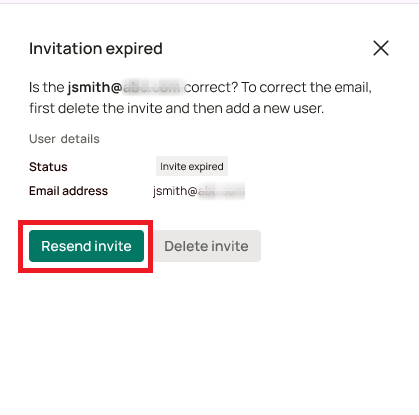

If the email address was incorrect, delete the user before resending an invite.