Documentation Index

Fetch the complete documentation index at: https://docs.oleria.com/llms.txt

Use this file to discover all available pages before exploring further.

Cancel a pending invitation before the user accepts it. Deleting an invite removes it from the user list entirely.
1

Open Manage Users

Log into the Oleria workspace. Select your avatar in the upper right corner, then choose Manage Users from the dropdown.
2

Select the user

Click the row for the user whose invitation you want to delete.
3

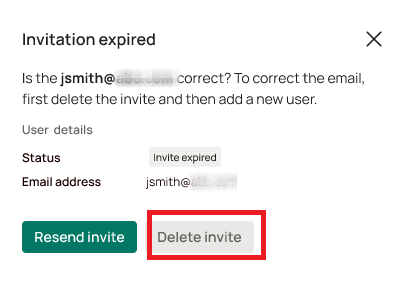
Click Delete invite

Select Delete invite.Delete invite button in the user detail panel
4

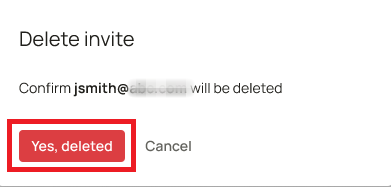
Confirm the deletion

Click Yes, delete invite to confirm.Confirmation dialog for deleting the invite
5

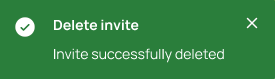
Confirm the action status

A status notification confirms the deletion. The user no longer appears in the user list.Action status notification after deleting the invite

Contact us

For questions, contact us at support@oleria.com.