

What Oleria discovers
- Members of the GitHub organization where you install the Oleria Connector app, with their organization role.
- Teams, team membership, and nested teams.
- Repository access for members, teams, and collaborators, including branch-protection and project roles.
- Installed GitHub Apps and the access they hold.
- Non-human identities - deploy keys, workflows, and webhooks.
- Credentials - personal access tokens, SSO-authorized tokens and SSH keys, deploy keys, and Actions, Dependabot, and Codespaces secrets (metadata only, never secret values).
- Activity from the organization audit log.
- Risks such as MFA not required, no SSO, stale admins and members, and tokens with no or long expiration.
Prerequisites
- The Owner role in the GitHub organization where you install the Oleria Connector app
- An organization on github.com. GitHub Enterprise Cloud organizations on github.com are supported. GitHub Enterprise Server and GitHub Enterprise Cloud with data residency (
*.ghe.com) aren’t supported.
Use a service account (and not an employee account) with the suggested privileges for the integration to ensure continuity.
Install the Oleria GitHub App
1
Open the connector application
Open the Oleria Connector application and select Install.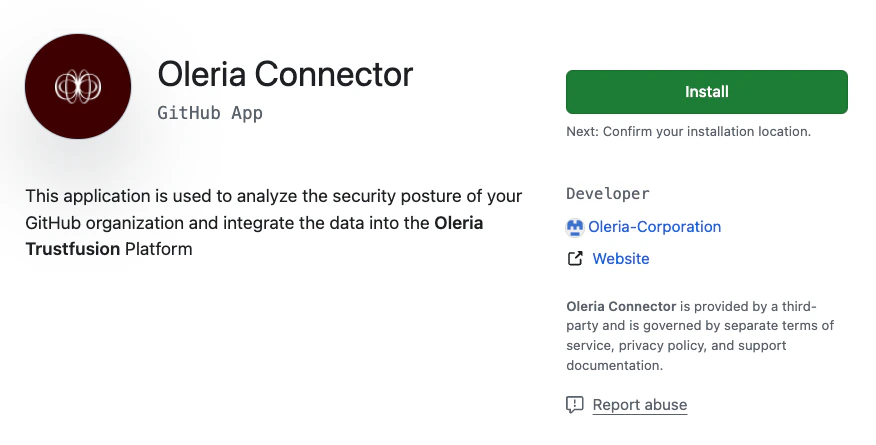
2
Select your GitHub organization
Select the GitHub organization to install the Oleria GitHub application.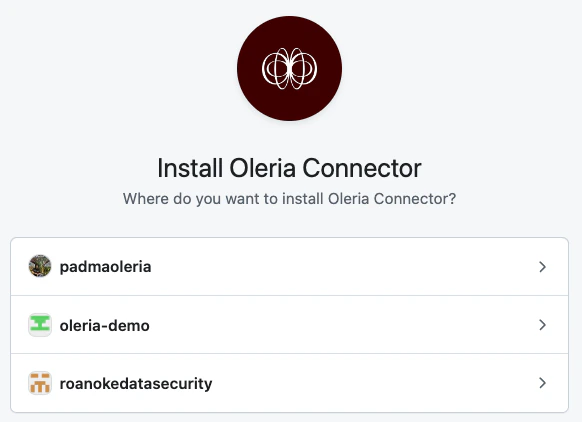
3
Complete the installation
Select Install to complete the installation.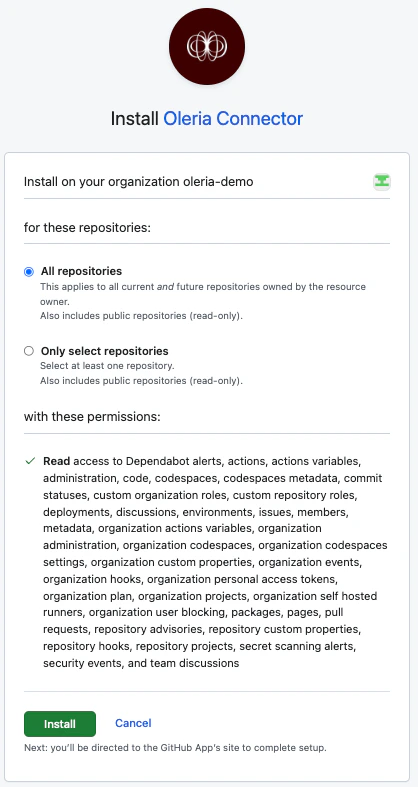
Confirm the app installation
1
Open your organization's GitHub Apps settings
Sign in to GitHub and open the organization where you installed the app. Select Settings, then under Third-party Access select GitHub Apps.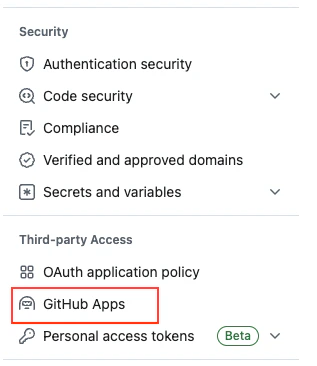
2
Confirm installation
Confirm that Oleria Connector is listed under Installed GitHub Apps.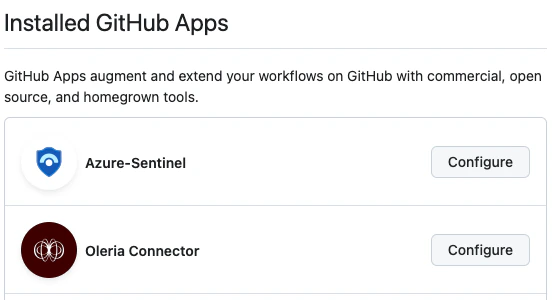
Connect GitHub to Oleria
1
Open the integration
Go to your Oleria workspace, select Integrations -> select GitHub.
2
Authenticate
Select Continue and fill in the connection form: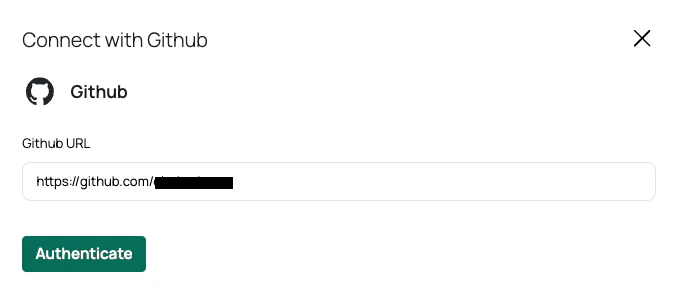
Select Authenticate. GitHub asks you to authorize Oleria. Sign in as an owner of the organization where you installed the app.
Verify the integration
Confirm the GitHub instance appears on the Connected tab of your Oleria Integrations page with a status of Healthy. After the first sync completes, you can review the discovered members, teams, and repository access in your Oleria workspace.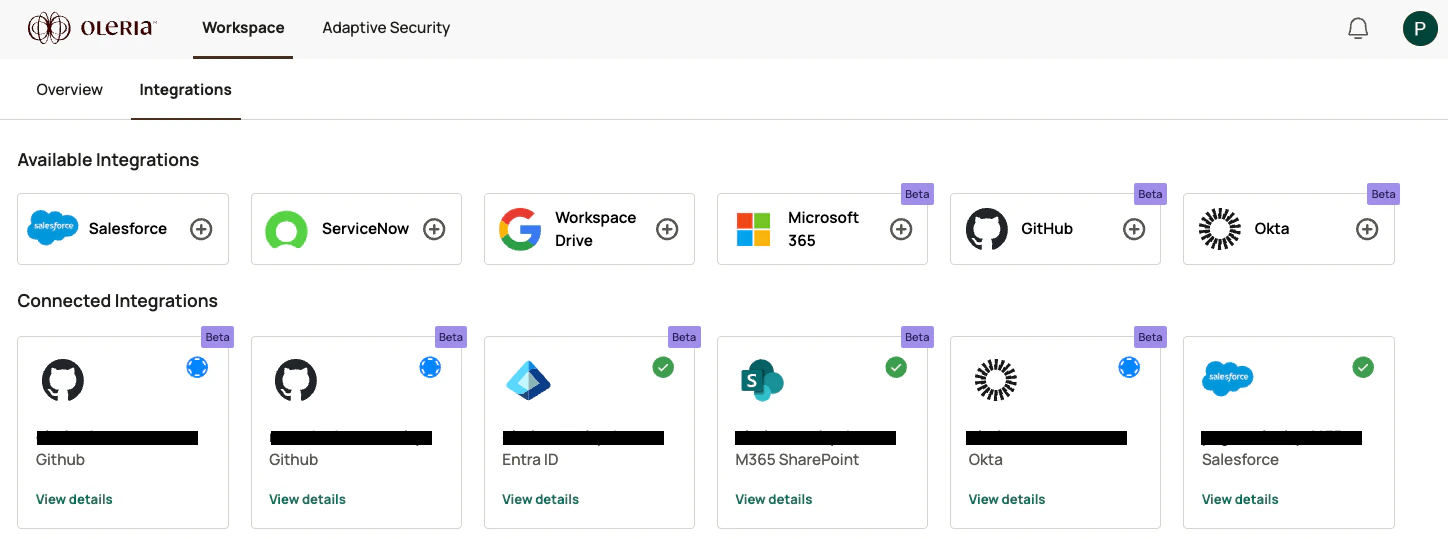
Remediation actions
If remediation is enabled for your GitHub integration, Oleria can take these actions in GitHub:Remediation runs through a separate Oleria GitHub App. To enable remediation for GitHub, contact us at support@oleria.com.