
What Oleria discovers
- Employees - worker records, including employee number, work email, location, and cost center.
- Departments - departments and each employee’s department.
- Managers - each employee’s manager.
Prerequisites
- Admin access on Oleria platform
- Integration service user with admin privileges in Oracle HCM for integrating with Oleria
Connect Oracle HCM to Oleria
1
Open the integration
Select Add Integration for Oracle HCM.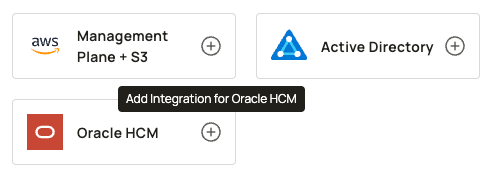
2
Enter your server URL
Enter the server URL. This is the URL that is used to access your Oracle HCM instance internally.
3
Enter your credentials
Enter the Username and password for the service user created for integration with Oleria.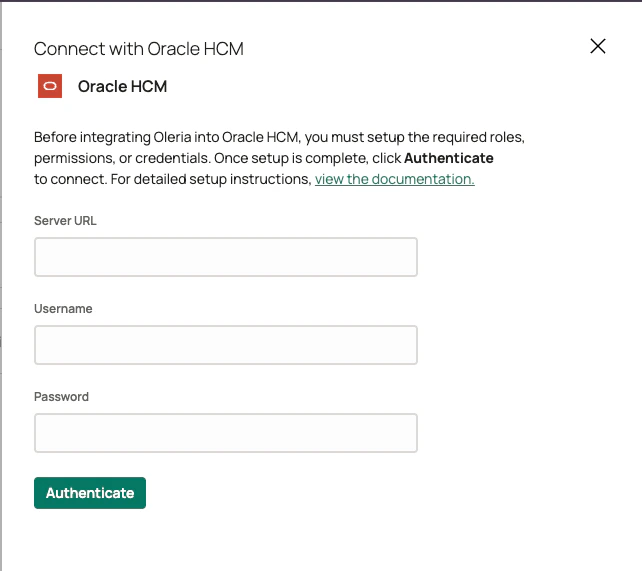
4
Authenticate
Select Authenticate. After authentication succeeds, find the new Oracle HCM instance on the Connected tab of the Integrations page.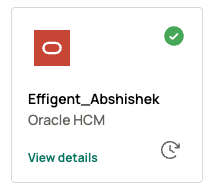
Verify the integration
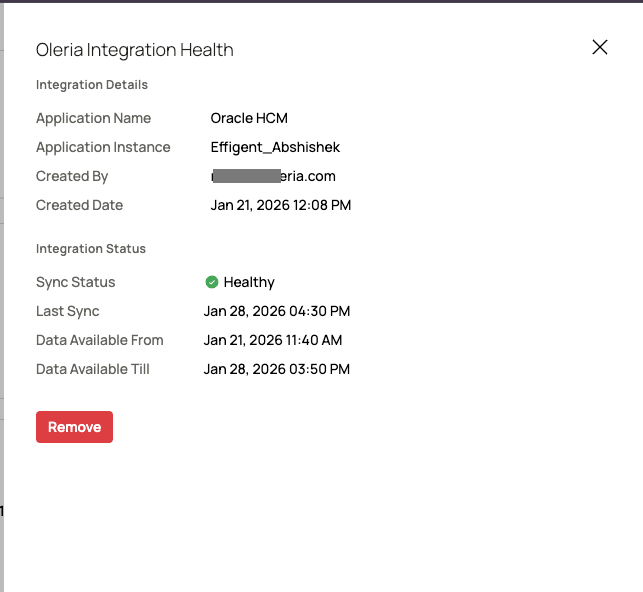
Select View Details on the Oracle HCM integration on the Connected tab of the Integrations page to view the integration health status.