

Approval methods
Each step uses one of the following approval methods:
For manual and conditional steps, approvers can be the requester’s manager or a specific list of people you choose. If an approver would be reviewing their own request, Oleria skips them and falls back to the next available approver.
Oleria doesn’t allow a request to have no valid approver. If every possible approver resolves back to the requester, the request can’t be submitted.
Creating an approval chain
1
Open approval chains
In the admin portal, at youroleriainstancename.oleria.io, go to Governance -> Access Requests -> Approval chains, and select New chain.
2
Name the chain
Give the chain a name and, optionally, a description.
3
Add steps in order
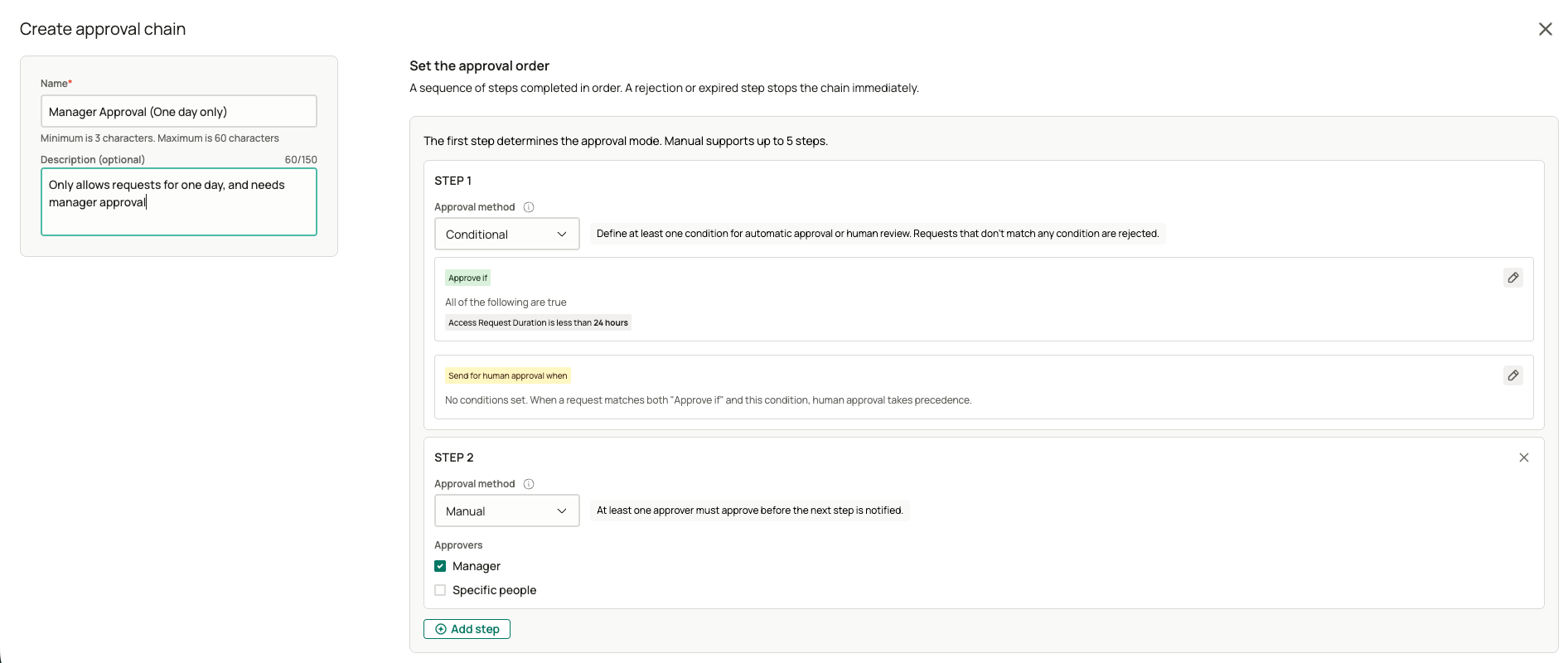
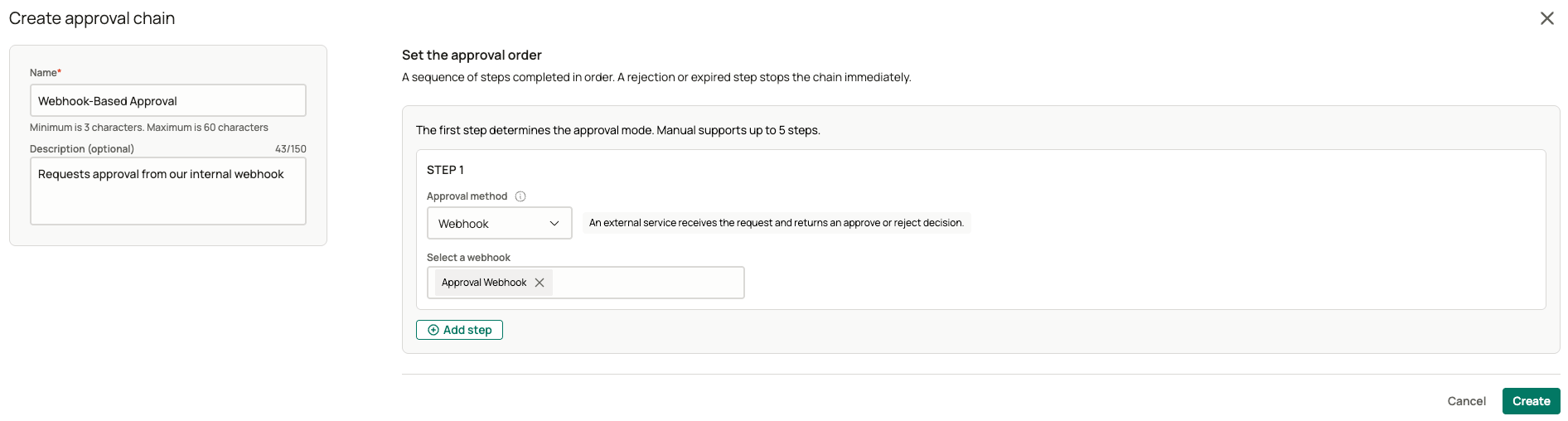
4
Save the chain
Select Save. Editing a chain later creates a new version - requests already in progress continue on the version they started with.