

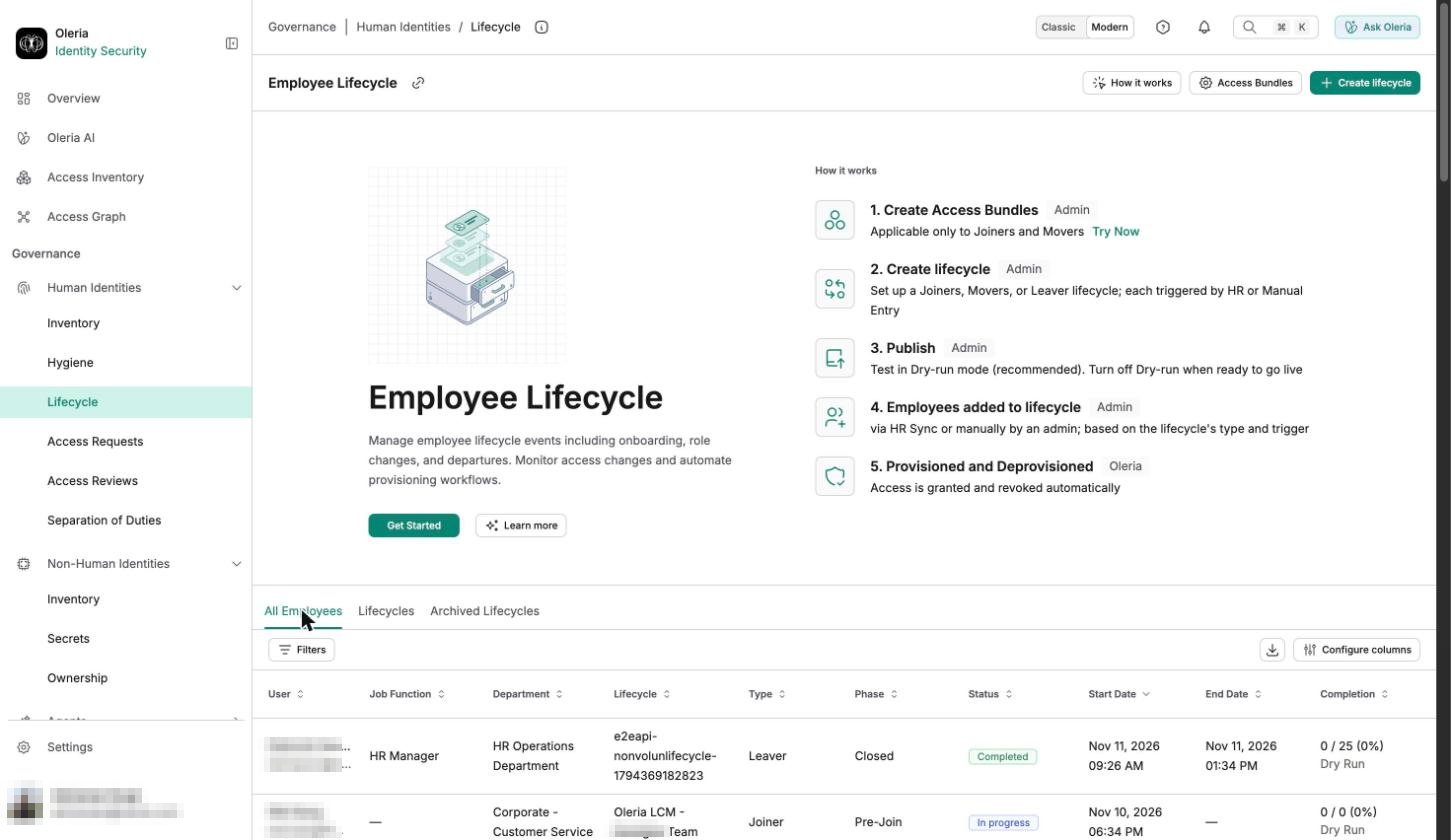
All Employees
The All Employees tab lists every employee event across every lifecycle - its type, phase, status, and start and end dates - so you can see what’s in progress and confirm what already ran without checking each employee one by one.Lifecycles
The Lifecycles tab lists every lifecycle you’ve configured - its type, who created it, when it last ran, and whether it’s in Dry Run mode. Select one to open, edit, or publish it.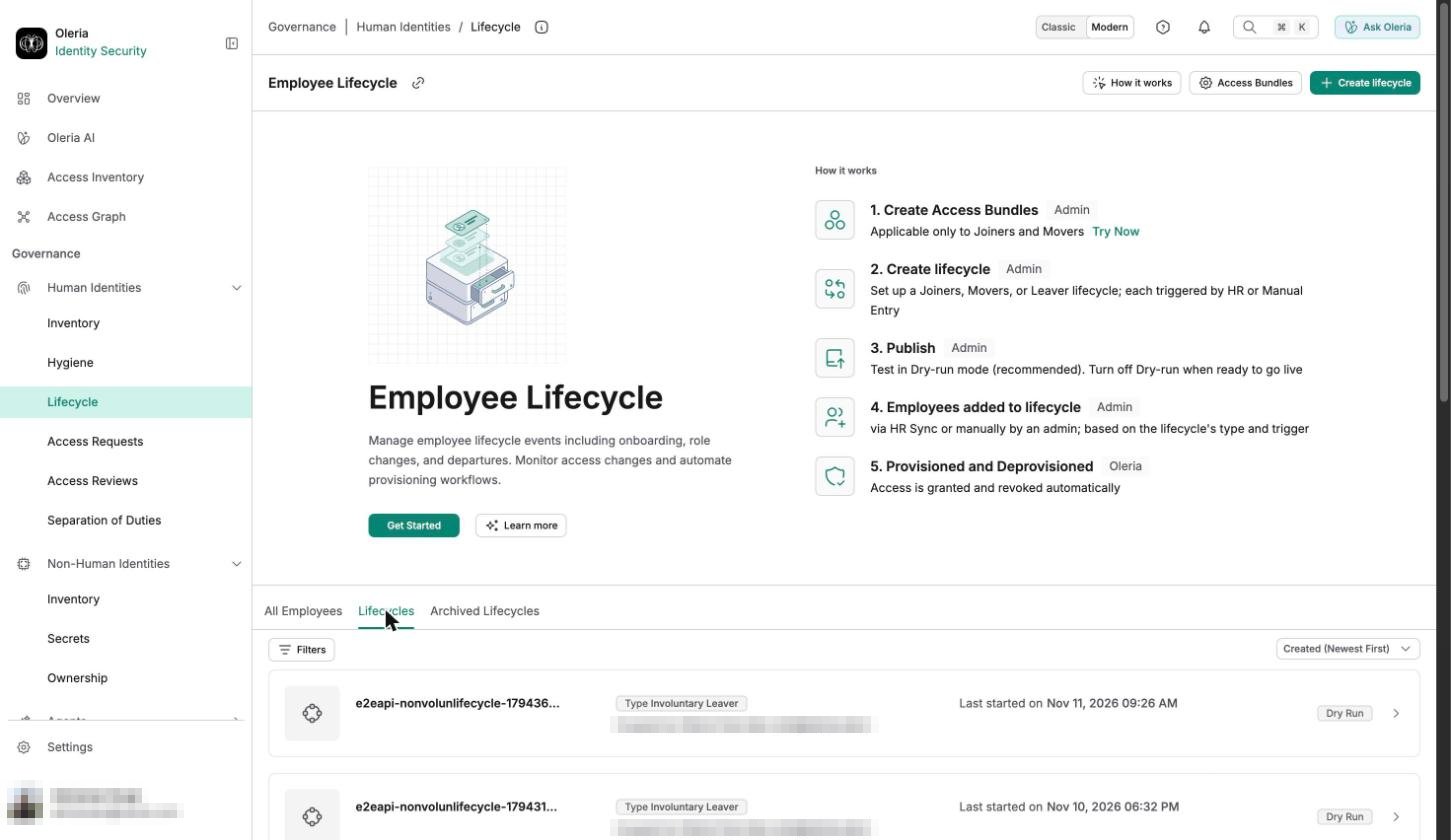
Archived Lifecycles
Turning Dry Run on or off for a lifecycle creates a new version and archives the previous one here. An archived version can’t run or be edited, but its full activity history stays intact for reference.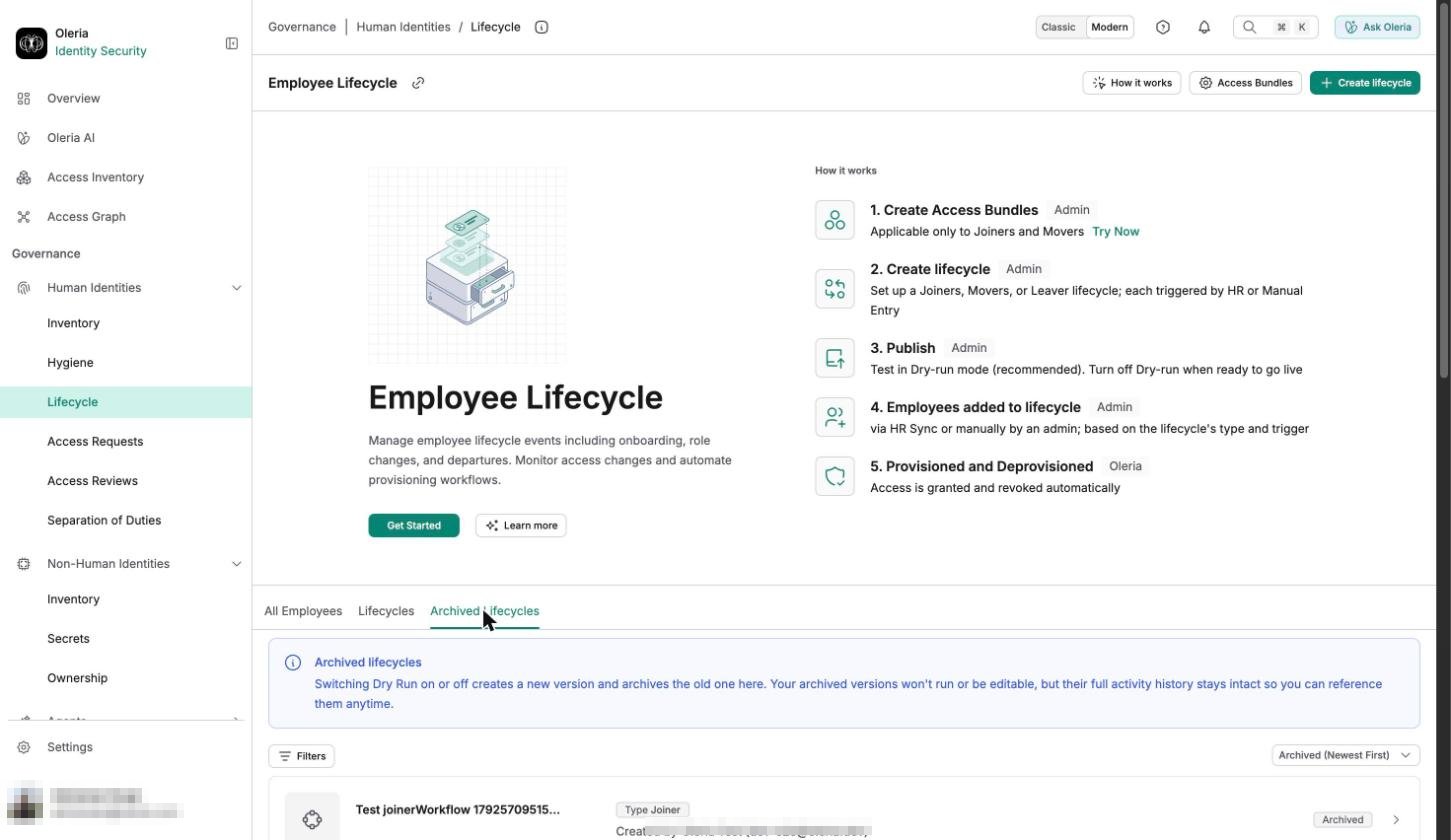
Set up a lifecycle
Each lifecycle type is its own workflow, configured separately:- Joiner - provision accounts and access for new employees.
- Mover - update access when an employee changes roles or departments.
- Leaver - revoke accounts and access when an employee leaves.
How the pieces fit together
Every employee who joins, changes roles, or leaves creates account and access work across every connected application - provisioning for a new hire, re-scoping access for a role change, deprovisioning for a departure. Employee Lifecycle automates all three from the same HR data, so access changes happen the same day the HR event does.1
Oleria reads employee records from your HR system or identity provider
You choose one integration as your employee source of truth under Employee information - either an HRIS (HR data directly) or an identity provider (Oleria derives employee records from standard user accounts). Every lifecycle type builds from this same source.
2
Access Bundles define what joiners and movers get
Before automating joiner or mover access, you define Access bundles - packages of applications, groups, and roles matched to an employee’s attributes, such as department or job title. A joiner’s starting access and a mover’s updated access both come from the same bundles, matched against the employee’s current attributes - so a department transfer naturally grants the new department’s bundle and revokes the old one.
3
Leaver deprovisioning closes the loop
A leaver event logs the departing employee out of every active session, disables their accounts, removes their group memberships, and transfers resource ownership to their manager - optionally creating a ticket and notifying stakeholders at departure start and completion. Post-departure monitoring then alerts you if a disabled account gets reactivated.
4
Dry-run mode lets you verify before anything changes
Every lifecycle type can run in dry-run mode first, showing what access changes Oleria would make without applying them - so you can confirm your Access Bundles and HR mapping are correct before letting a lifecycle take effect.