
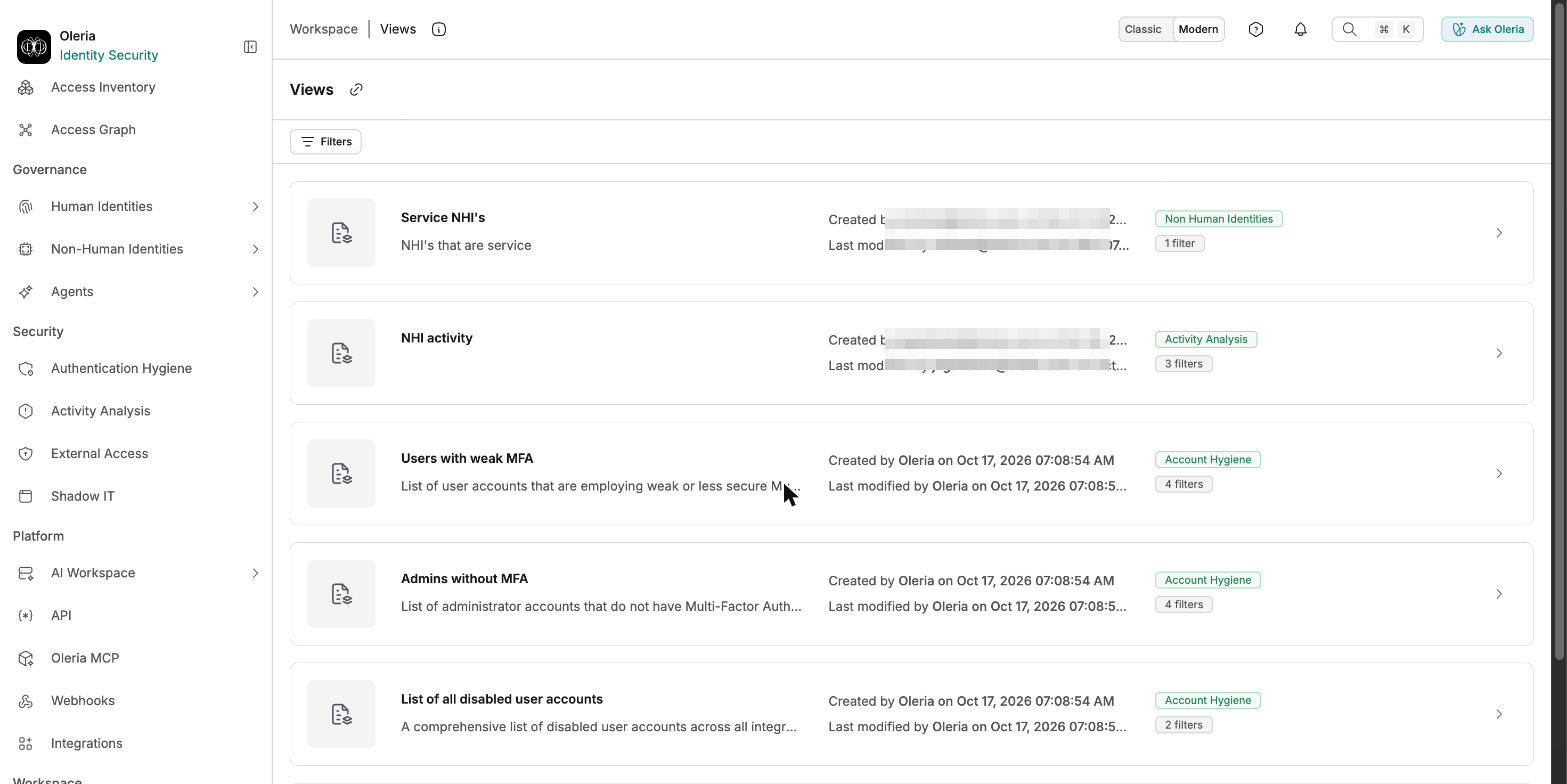
Views list
Search by view name or description using Filters.
Open a view
Select a view to go directly to its associated page with the view’s filters already applied, labeled with the view’s name. From there:- Select Close view to clear the view’s filters and return to the page unfiltered.
- Select Make a copy to duplicate the view so you can adjust its filters without changing the original. Only Administrators can make a copy.
Create, edit, and delete your own views
Beyond Oleria’s default views, Administrators can build their own. On a supported page, change the filters or columns, then select the Save as view icon. To update a saved view, change it and select Save changes. From a saved view’s View actions menu, an Administrator can select Edit view details to rename or redescribe it, Make a copy to duplicate it, or Delete view to remove it.Saved Views panel
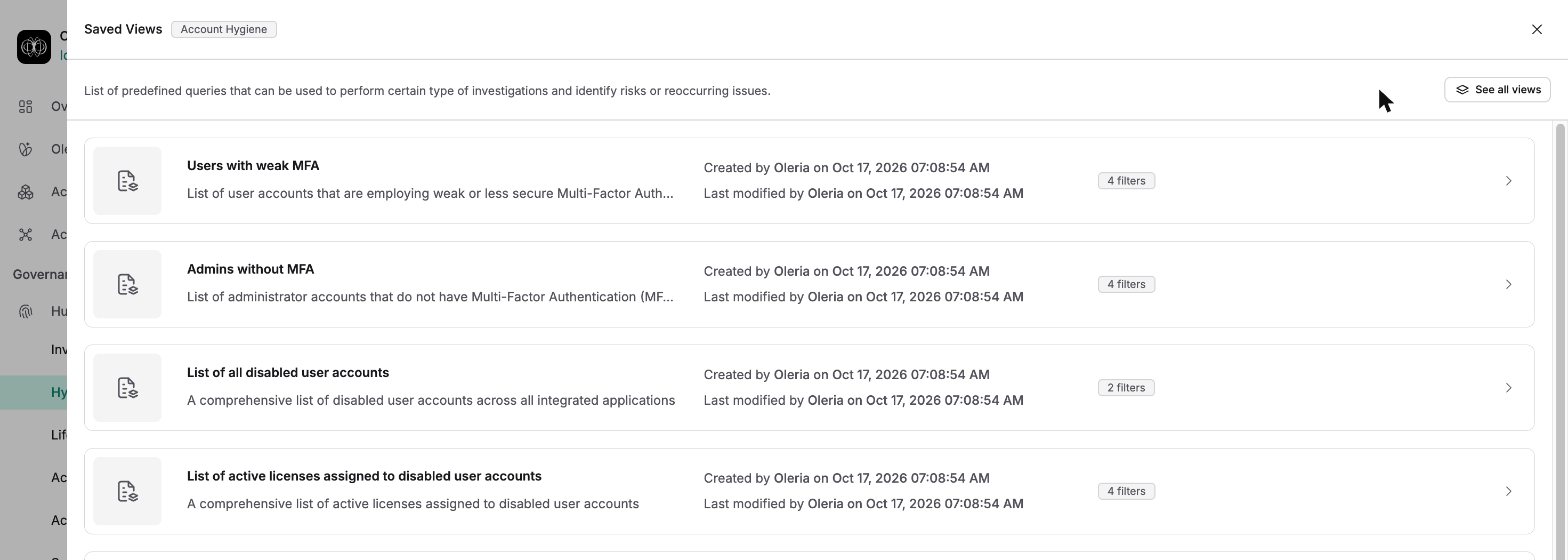
9 pages across Oleria support Saved Views: Access Inventory, Activity Analysis, NHI inventory, NHI secrets, the Accounts and Groups tabs of Hygiene, Shadow IT, Risk Monitoring, and External access. Each has its own Saved Views button, which opens a panel scoped to that page’s views only - useful when you want views for what you’re already looking at, rather than browsing the full list.