
Looking for applications, groups, roles, or resources instead? That’s Access Inventory, a top-level item in the main nav - it covers shared objects, not people. Looking for non-human identities? See NHI inventory.
Employees
Employees lists everyone in your HR system of record - employees and contractors alike.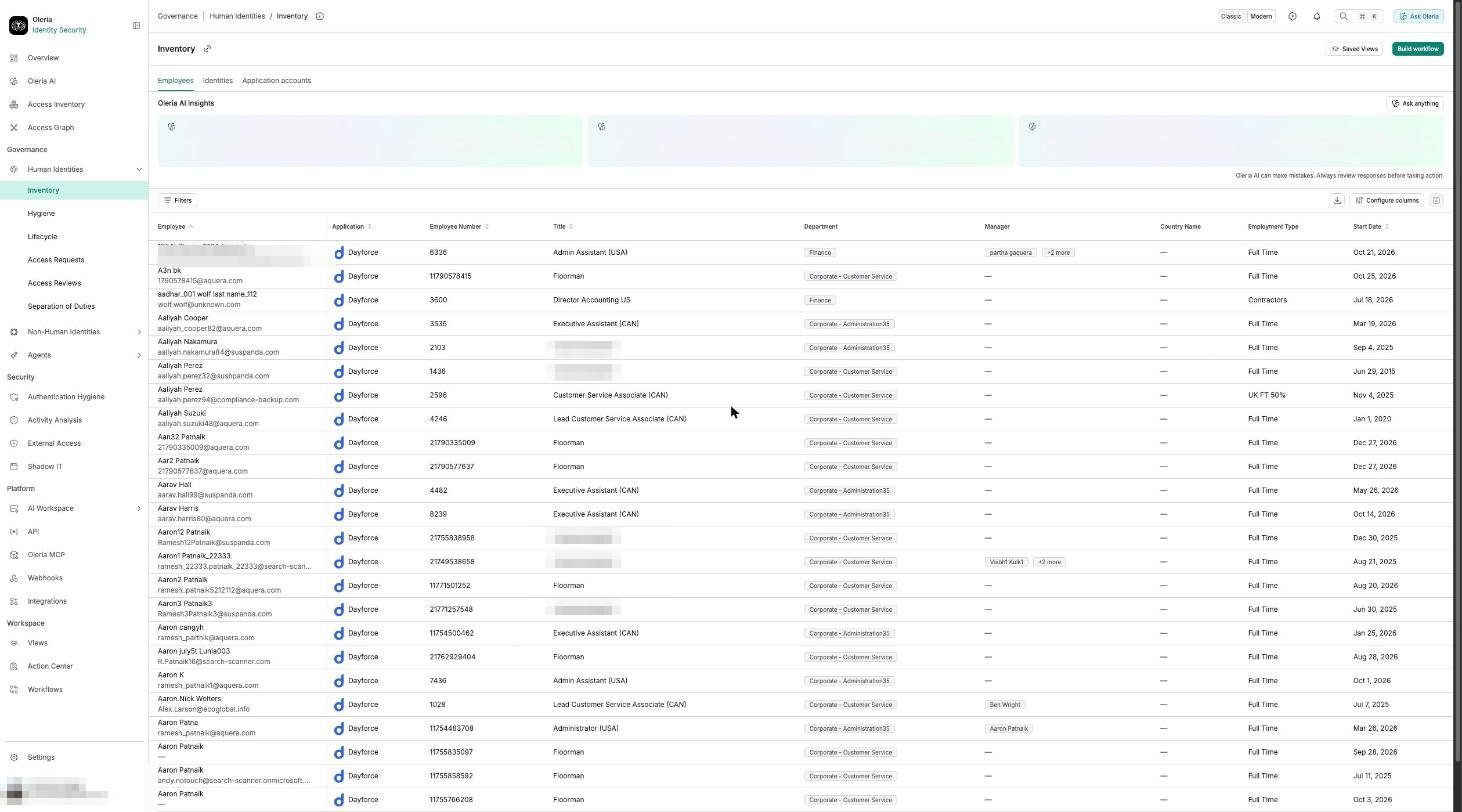
Columns
The table shows nine columns by default. Use Manage columns to show, hide, or reorder columns. Reset to default restores the default set. The Employee column can’t be hidden.
Find onboarding gaps: an employee with no account yet won’t show up on the Identities or Application accounts tabs - cross-check a new hire against both tabs to confirm provisioning has caught up.
Filters
No filter is applied when you open Employees. Filters and the column selection are kept in the page address, so a link you copy opens the same view.
Each filter offers the operators that fit its values:
Search and sort
Employees has no search box. Use the filters above to narrow the list. The list opens unsorted. Select a column heading to sort by it. You can sort by every column except Department, Manager, Country Name, Employment Type, End Date, Is Manager, and Resignation Submission Date. The list shows 25 employees per page. An empty list reads No Data.Identities
Identities lists the accounts people use to sign in - to your identity provider, and to every application it federates into.
An identity with no employee linked shows Missing, with an option to link it to the right person directly from the row.
Application accounts
Application accounts lists accounts held directly in individual applications, separately from identity-provider-federated access.
Like Identities, an account with no employee linked shows Missing, with an option to link it directly.
Find accounts authenticating outside SSO: application accounts with no linked identity, or an MFA Status other than SSO Enabled, are the ones most likely to be a gap in your single sign-on coverage.